EduViz · Math animation
Make a math animation you can reuse.
Generate a short, silent math animation from one idea. Built for slides and existing videos, not a full lecture.
Visual direction
The kinds of math motion this product is for.
Six silent motion examples (about 8–10 seconds each). They show drawing style and subject range — direction samples, not your generated results.
How it works
One prompt becomes one usable clip.
Write the moment that should move, watch a single silent scene, then place it in work you already make.
- Describe
Show the secant line on y = x² becoming a tangent as the second point approaches x = 1. Keep the slope visible.
- Preview
Check that the moving point, line, and slope remain readable throughout.
- Export
Place the silent clip into a course, an edit, or a class slide.
Why motion
Some math only becomes clear when it moves.
A construction is a sequence. A limit is an approach. A parameter is a change. Static diagrams show individual states. Motion reveals the relationship between them.
- 01Start
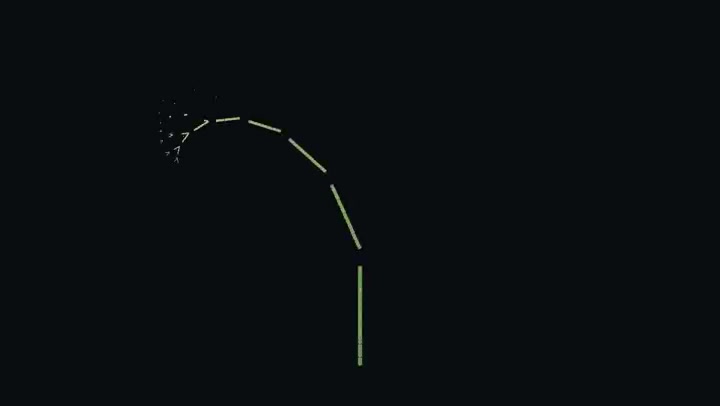
One rule begins.
- 02Change
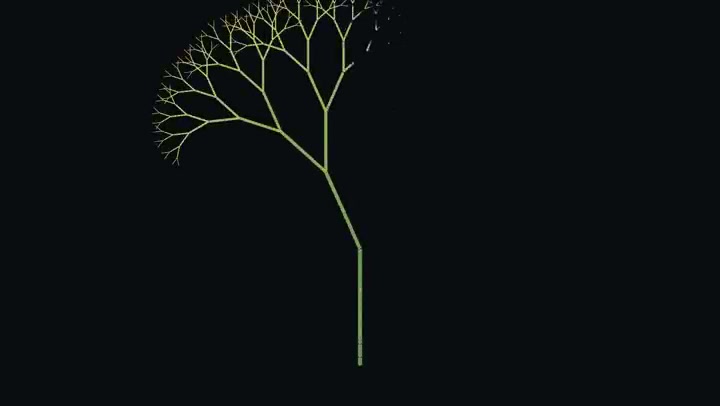
The same rule repeats.
- 03Result

The structure becomes visible.
Where motion helps · Parameter changes · Geometric constructions · Vector relationships · Limits
What should move?
One function, vector, or geometric change — a silent short clip you can place where you already teach.
Functions · Geometry · Vectors · Silent short clips